

Learn the admin panel one task at a time
Short videos of the real admin panel, each one a single everyday job, from holding a payout to posting a journal, so your team can see exactly how it’s done before they do it live.
- 67 guides
- 15 min 31 s in total
- 9 topics
- Real admin screens
Every task, in seconds.
Real screens from the admin panel, with example data.
Showing 67 of 67 guides
-
 Transfers
0:12
GUIDE 01
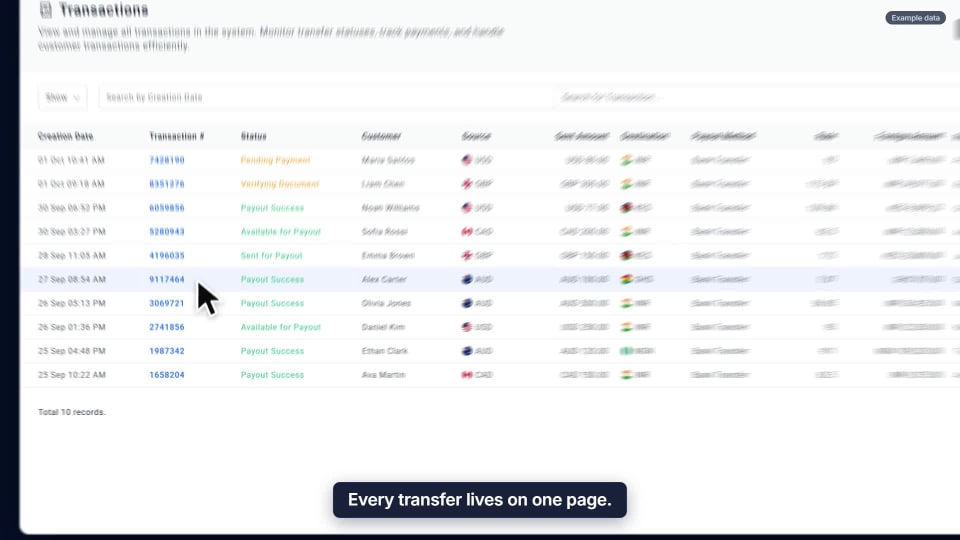
View a transaction
Every transfer lives on one page: what the customer was told, whether the money arrived, and whether it reached the recipient.
Watch the guide → -
 Rates & fees
0:13
GUIDE 02
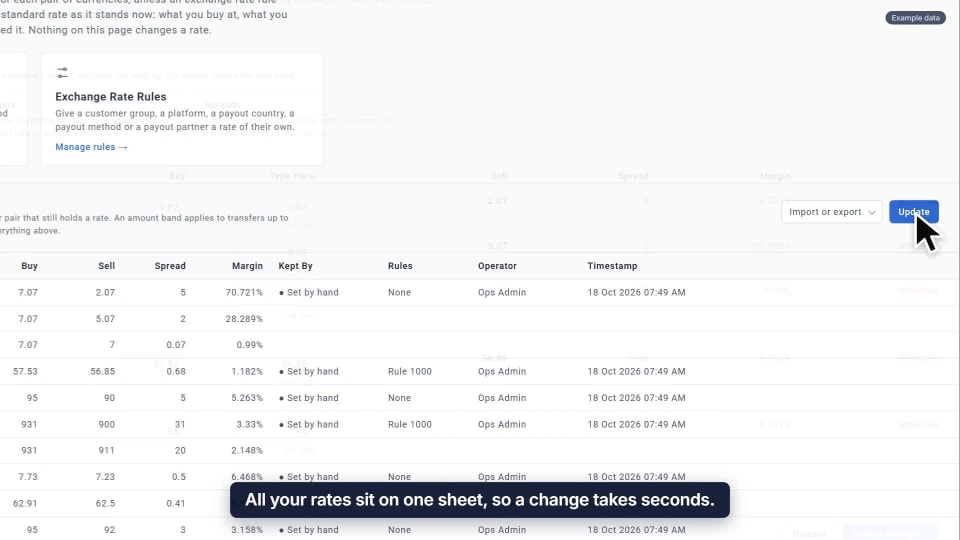
Update an exchange rate
All your rates sit on one sheet. Nothing goes live until you confirm, and customers get it from their next quote.
Watch the guide → -
 Compliance
0:12
GUIDE 03
Run a sanction check
Check any name against eight sanctions lists at once. Every search is kept as a numbered report.
Watch the guide → -
 Customers
0:13
GUIDE 04
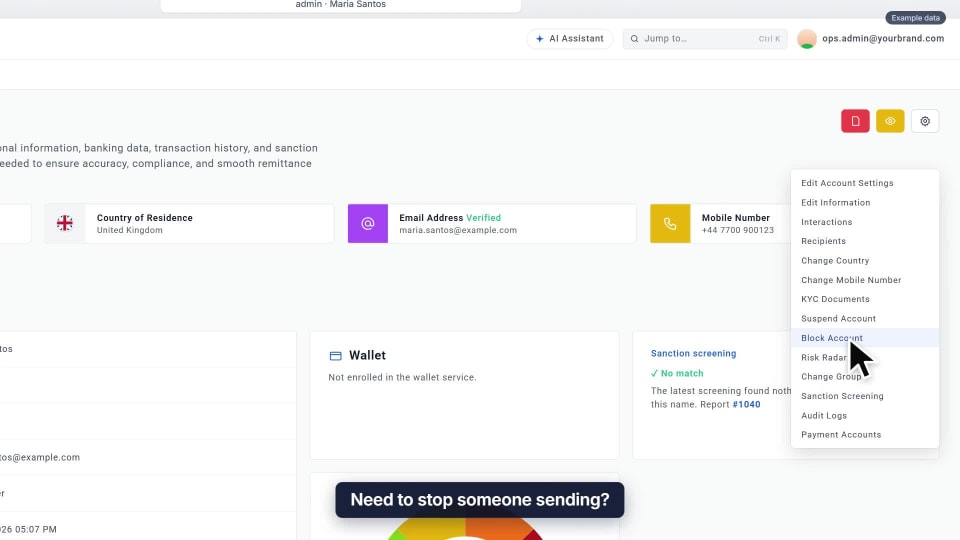
Block a customer
Give a reason, type to confirm, and they can no longer send. The block can be lifted later.
Watch the guide → -
 Team & access
0:14
GUIDE 05
Add a staff member
One short form. Their role decides what they can see, and the invite goes out by email.
Watch the guide → -
 Transfers
0:13
GUIDE 06
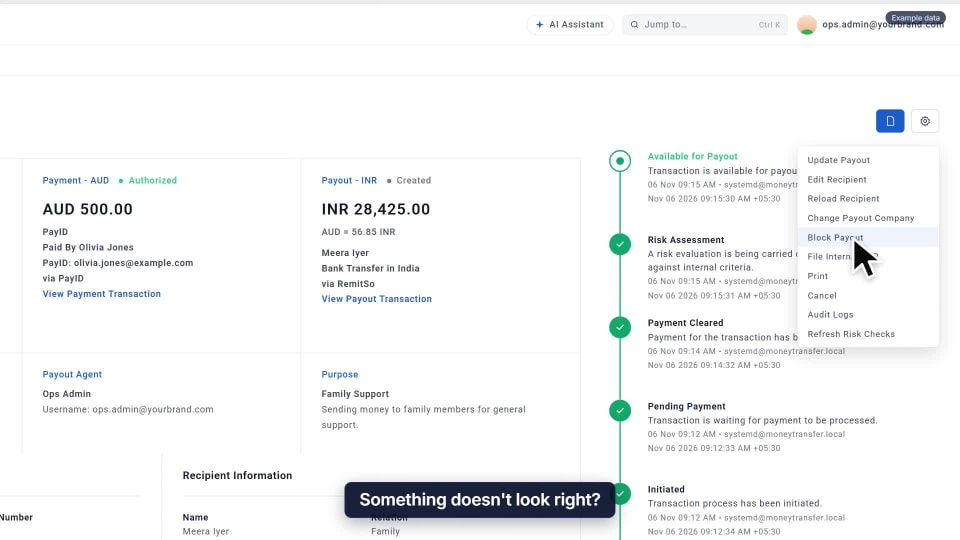
Pause a payout
Something looks off? Hold the payout while you check, without cancelling the transfer.
Watch the guide → -
 Compliance
0:13
GUIDE 07
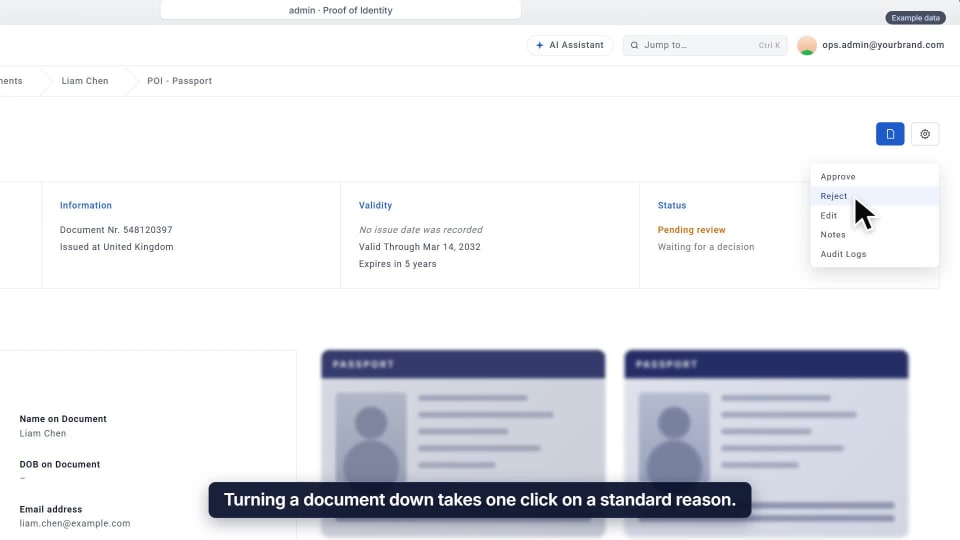
Reject a KYC document
Turn a document down with a standard reason, so every rejection reads the same way.
Watch the guide → -
 Rates & fees
0:14
GUIDE 08
Set a transfer fee
Set fees slab by slab for each payment method, and see what customers will pay before you save.
Watch the guide → -
 Team & access
0:12
GUIDE 09
Subscribe a teammate to an alert
Choose who hears about what matters. Add a teammate and the alert goes straight to them.
Watch the guide → -
 Transfers
0:14
GUIDE 10
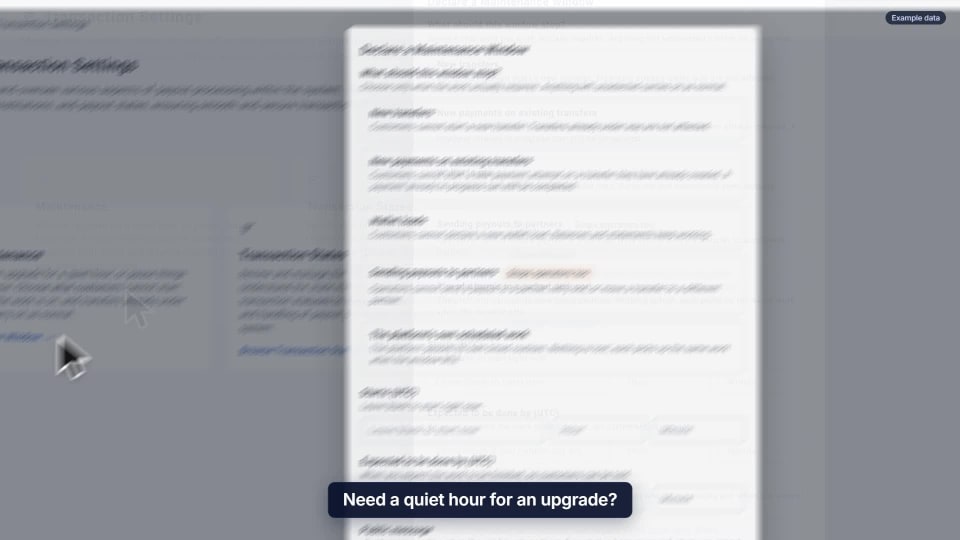
Pause new transfers
Need a quiet hour for an upgrade? Stop new transfers while the ones already moving carry on.
Watch the guide → -
 Transfers
0:14
GUIDE 11
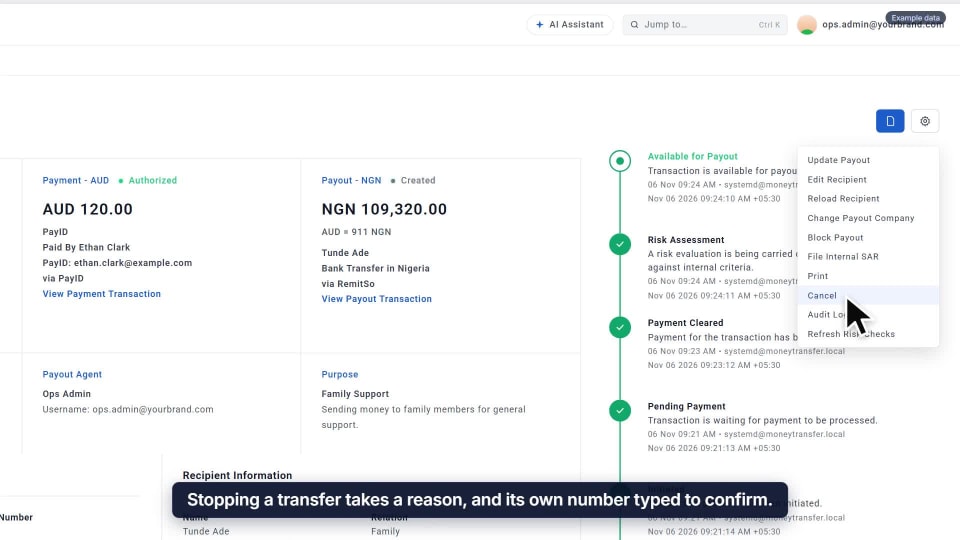
Cancel a transfer
A reason, then the transfer’s own number to confirm. The refund is handled as its own step.
Watch the guide → -
 Customers
0:13
GUIDE 12
Fix a recipient’s bank details
Correct the account on the recipient’s record. Their next transfer uses it, and the change is logged.
Watch the guide → -
 Compliance
0:13
GUIDE 13
Approve a KYC document
Type the details as they appear, and they’re checked against the customer’s profile before anything is final.
Watch the guide → -
 Compliance
0:13
GUIDE 14
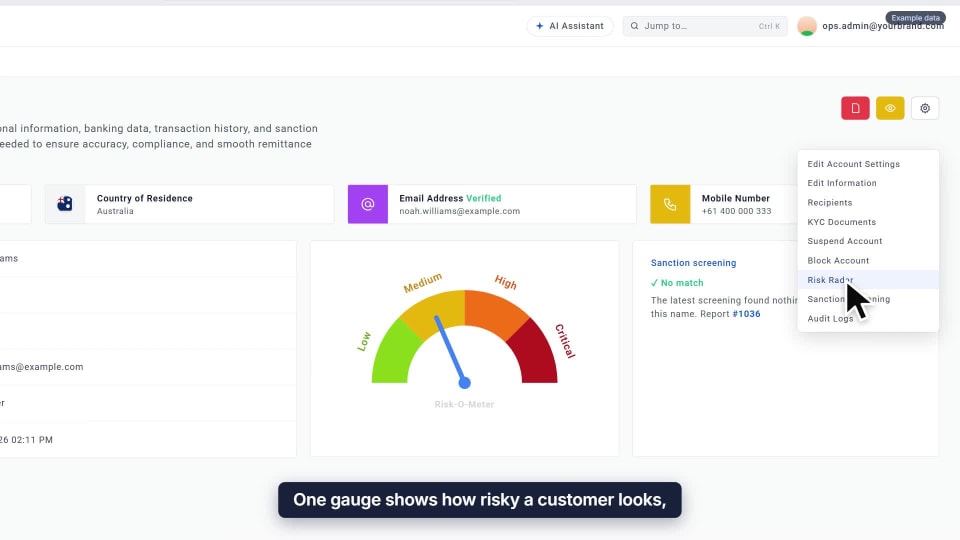
Read a customer’s Risk Radar
One gauge built from seven scores, with every check that ran beside it, so you can see exactly why.
Watch the guide → -
 Compliance
0:14
GUIDE 15
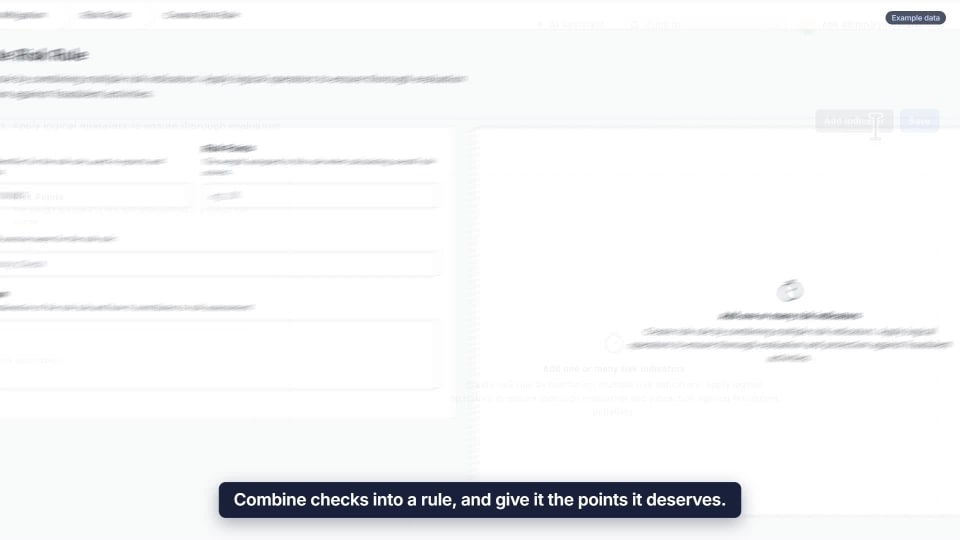
Build a risk rule
Combine checks into a rule and give it points. When the checks fail, the points go on the customer’s score.
Watch the guide → -
 Customers
0:13
GUIDE 16
Adjust a sending limit
Raise a customer’s limit from their profile. It’s confirmed, and recorded against your name.
Watch the guide → -
 Rates & fees
0:13
GUIDE 17
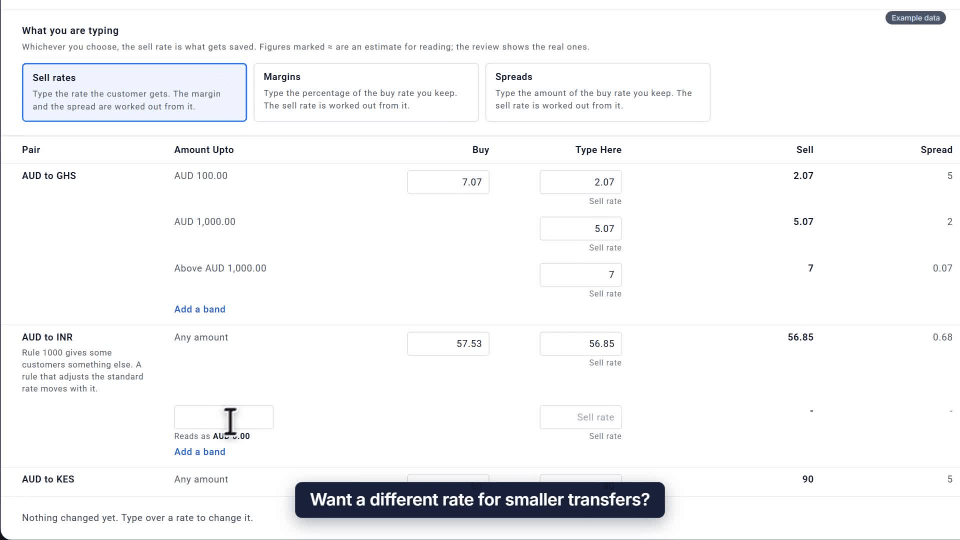
Add a pricing tier
Give smaller transfers their own rate with a new band. Amounts above it keep the rate they had.
Watch the guide → -
 Promotions
Add-on
0:14
GUIDE 18
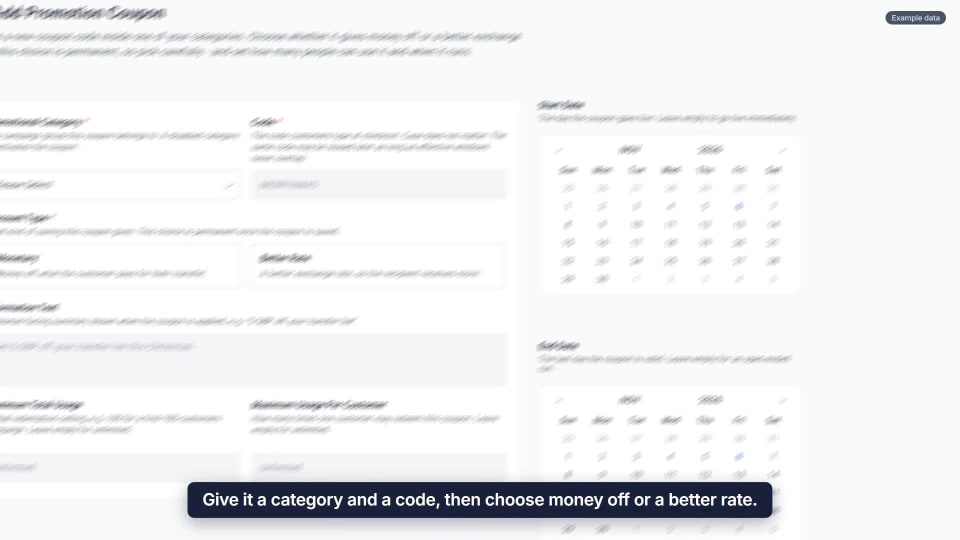
Set up a promo coupon
Pick a category and a code, choose money off or a better rate, and retire it when the offer ends.
Watch the guide → -
 Team & access
0:12
GUIDE 19
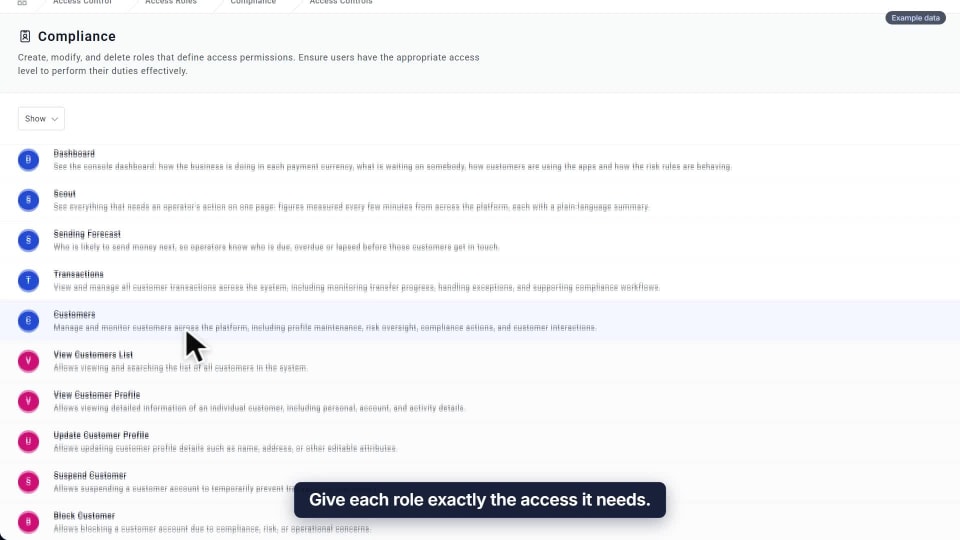
Set a role’s permissions
Tick the actions a role needs and save once. Everyone with that role gets them.
Watch the guide → -
 Promotions
0:13
GUIDE 20
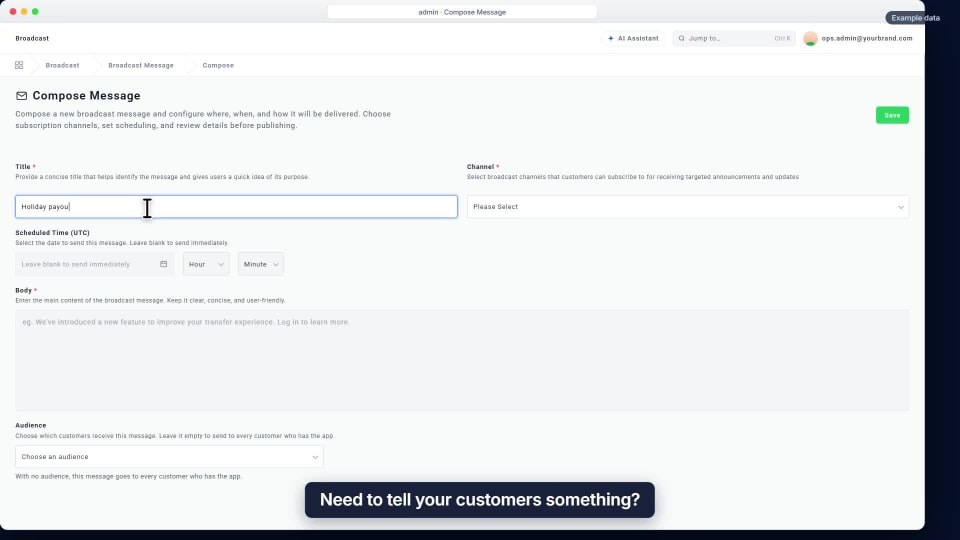
Send a broadcast message
Write a title and a message, pick the channel, then send it now or schedule it for later.
Watch the guide → -
 Dashboards & AI
0:13
GUIDE 21
Start the day with the operations view
Everything waiting on your team on one page, refreshed automatically. Pick a number to land on the work behind it.
Watch the guide → -
 Transfers
0:13
GUIDE 22
Find any transfer
Type a transfer number and it is the only one left, or narrow the list by country, method or status.
Watch the guide → -
 Compliance
0:15
GUIDE 23
Decide on a sanction match
The platform flags a possible match and waits. Compare the two side by side, give your reason, and the ruling is on record.
Watch the guide → -
 Compliance
0:14
GUIDE 24
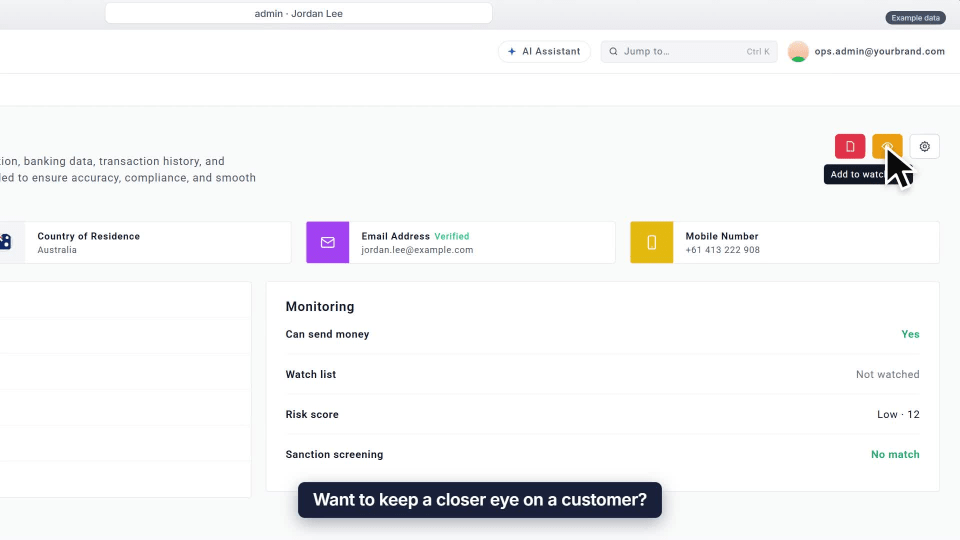
Watch a customer
Add a customer to the watch list in one click. Nothing is blocked, and your team can see they are being watched.
Watch the guide → -
 Customers
0:13
GUIDE 25
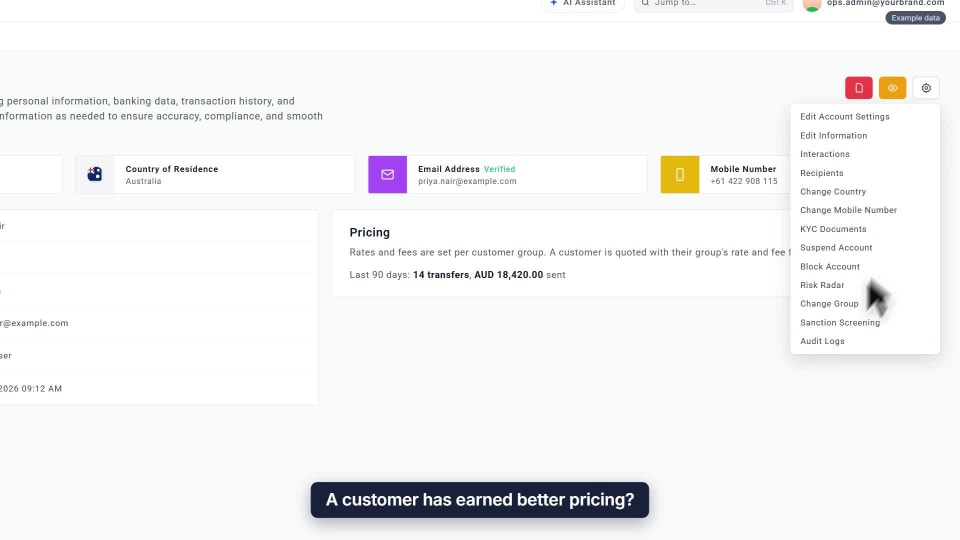
Move a customer to a group
Move a customer to another group from their profile, and their next quote uses that group’s rates and fees.
Watch the guide → -
 Compliance
0:14
GUIDE 26
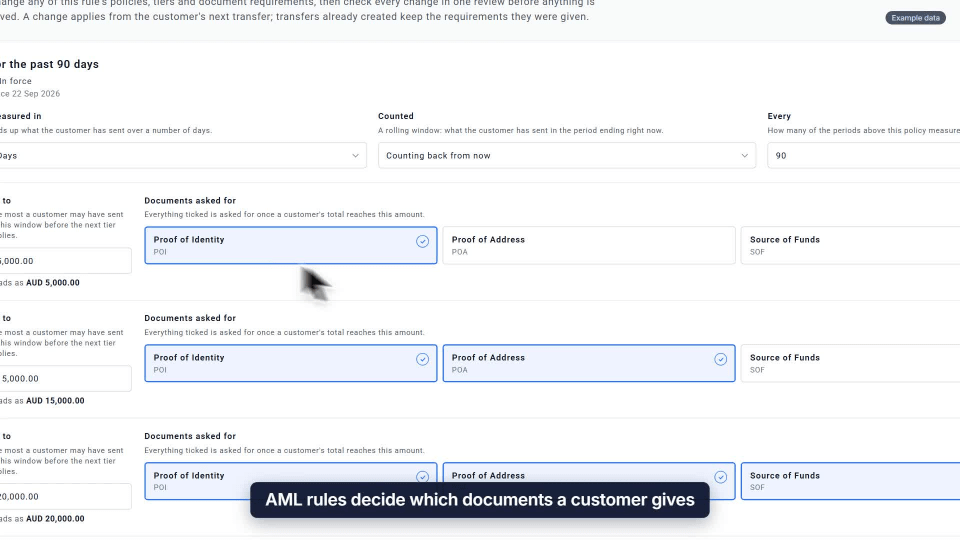
Set an AML rule
Decide which documents each tier asks for as sending grows. Review the change, and it applies from the next transfer.
Watch the guide → -
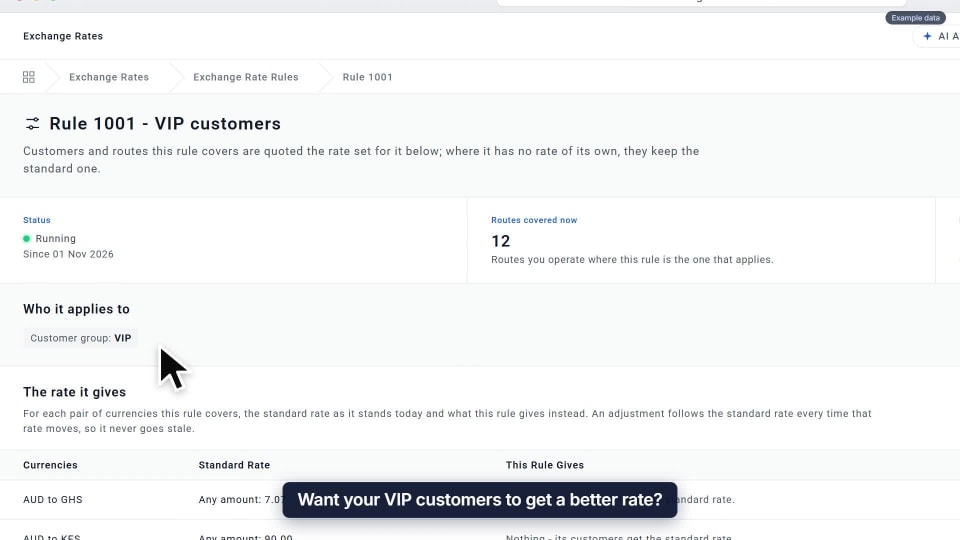 Rates & fees
0:14
GUIDE 27
Give a group its own rate
Add a little on top of the standard rate for a group like VIP, and it moves whenever that rate does.
Watch the guide → -
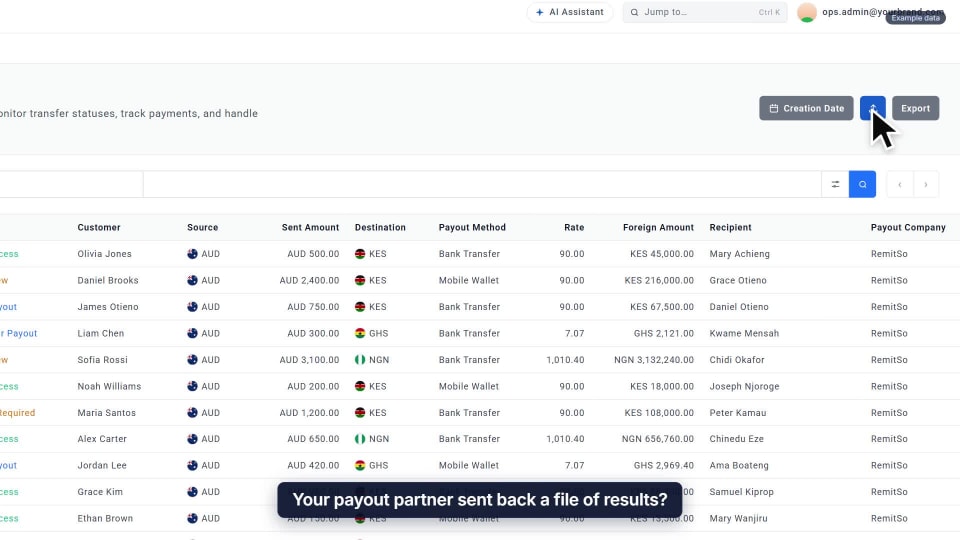 Transfers
0:13
GUIDE 28
Update payouts from a file
Upload your partner’s results file. Every row is checked, and nothing changes until you confirm the preview.
Watch the guide → -
 Team & access
0:15
GUIDE 29
Check who signed in
Every console sign-in is recorded: who, when, where and on what device. Spot sign-ins without two-step verification.
Watch the guide → -
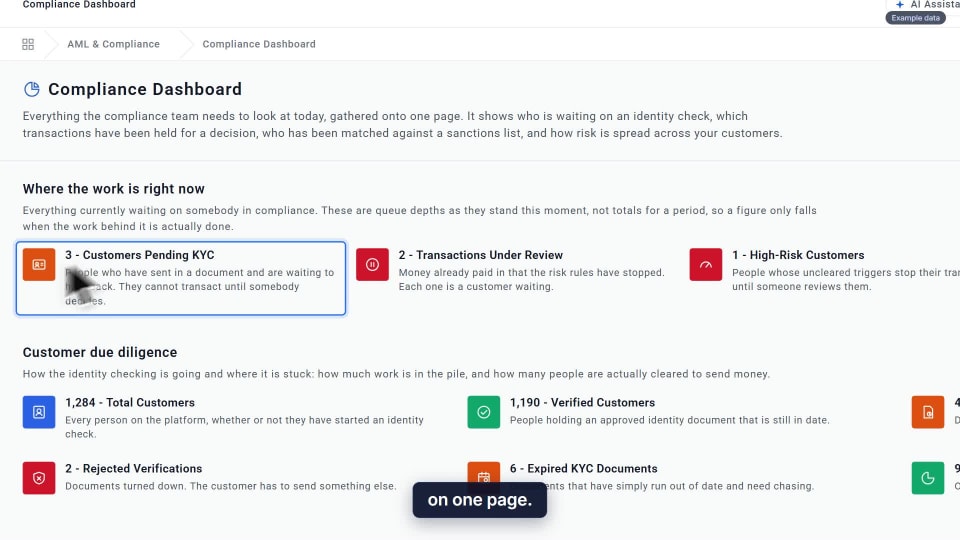 Compliance
0:13
GUIDE 30
Read the Compliance Dashboard
Everything waiting on compliance today, on one page. Each figure only drops when the work behind it is done.
Watch the guide → -
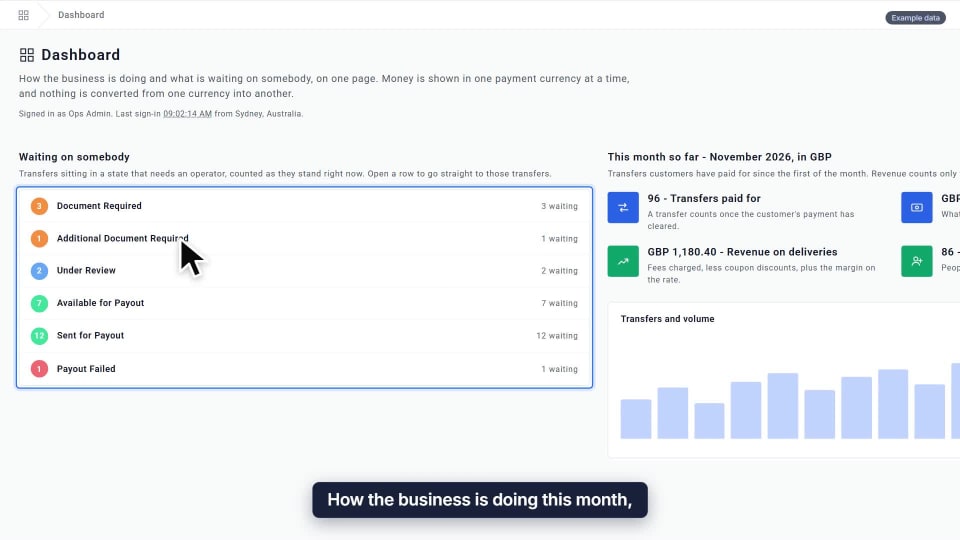 Dashboards & AI
0:14
GUIDE 31
Read the dashboard
How the business is doing this month, one currency at a time: transfers, amounts sent and revenue.
Watch the guide → -
 Transfers
0:13
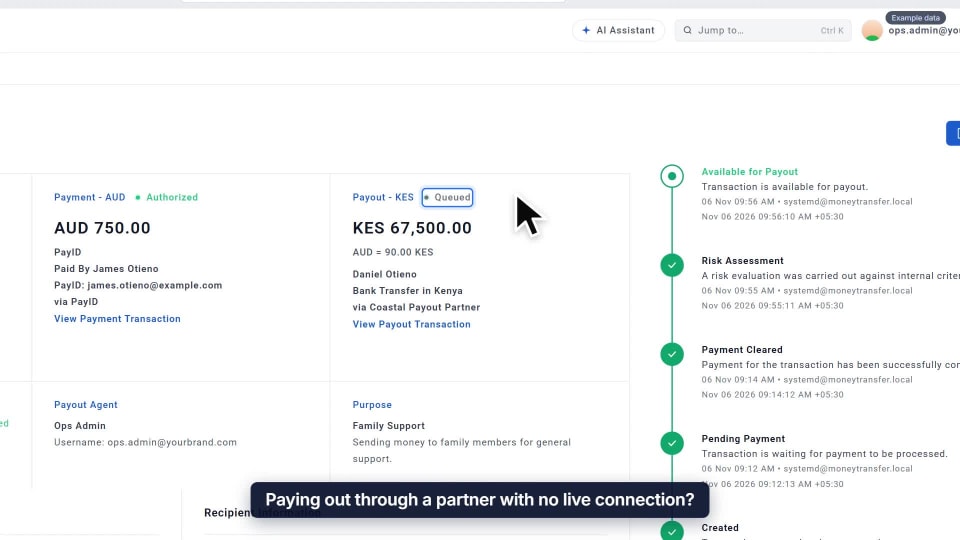
GUIDE 32
Move a payout along by hand
For partners with no live connection: pick what happened, and the step joins the transfer’s timeline with your name.
Watch the guide → -
 Customers
0:15
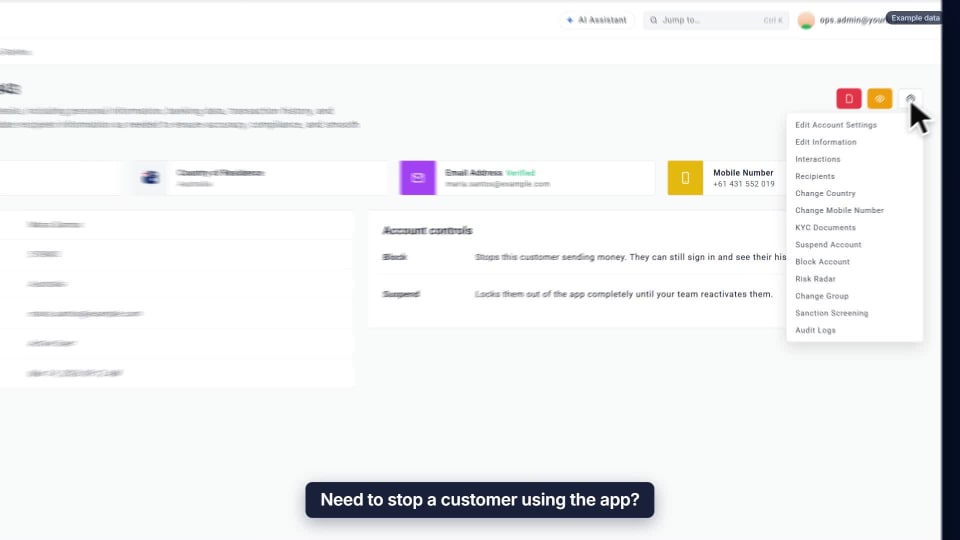
GUIDE 33
Suspend an account
Blocking stops sending. Suspending locks the customer out of the app until you reactivate them.
Watch the guide → -
 Compliance
0:14
GUIDE 34
Watch a name
Add a name to your watched names, and any transfer with that name or a close spelling is flagged for review.
Watch the guide → -
 Compliance
0:15
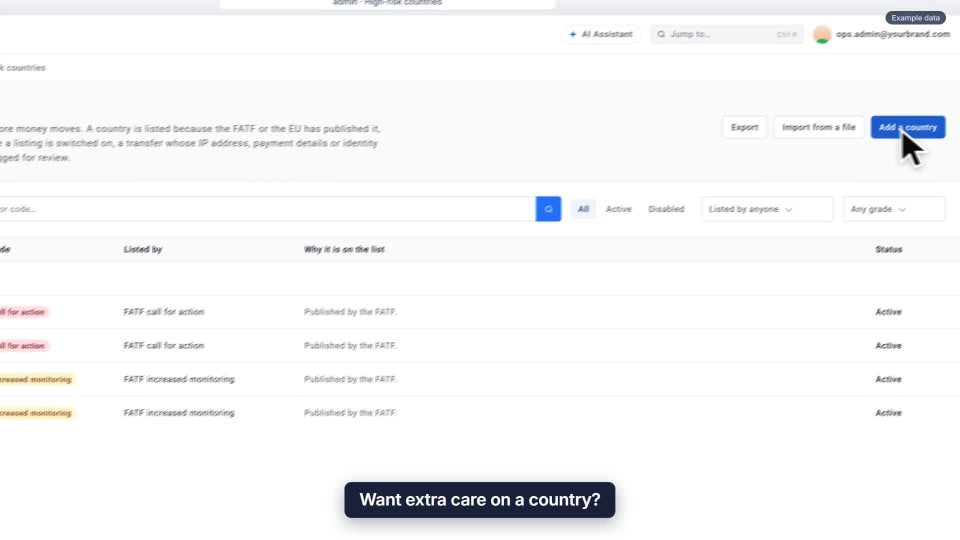
GUIDE 35
Mark a country as high risk
Give it a grade and a reason. Transfers whose IP, payment or ID point there are flagged for review.
Watch the guide → -
 Finance & reports
0:13
GUIDE 36
Export a list of transfers
Filter the list, then export. The file is built in the background, with sensitive details masked to match your role.
Watch the guide → -
 Transfers
0:13
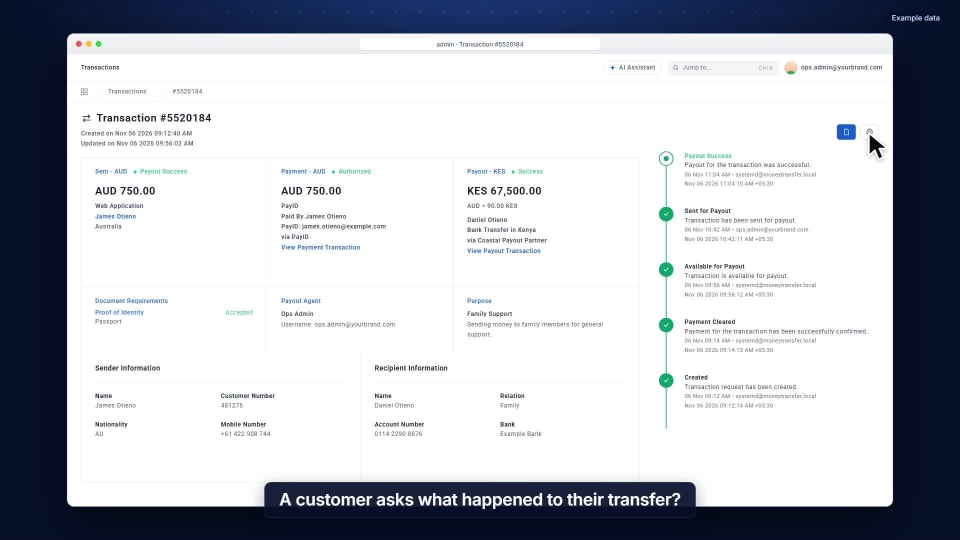
GUIDE 37
See a transfer’s full history
Open its audit log: every change and system step, newest first, with who did it and when.
Watch the guide → -
 Transfers
0:12
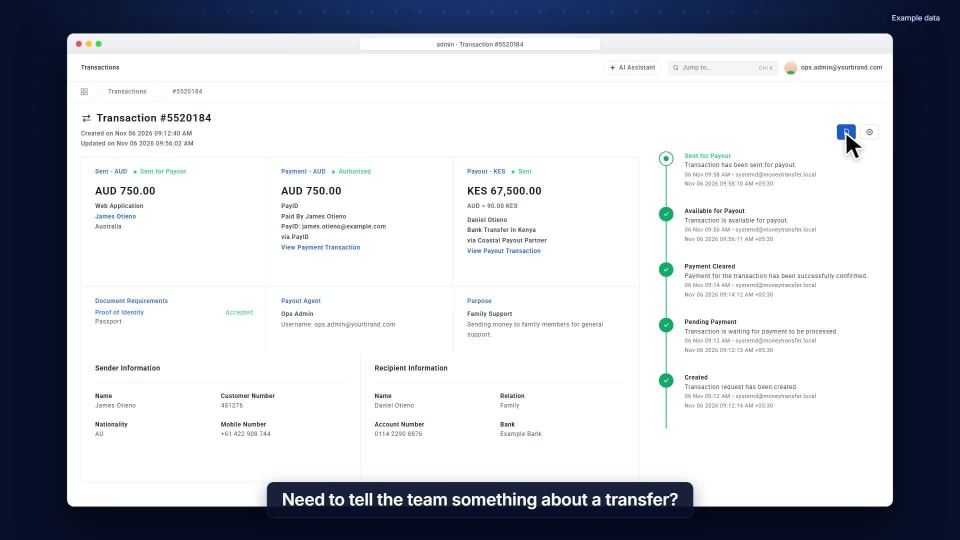
GUIDE 38
Leave a note on a transfer
Tell the team something right on the transfer. Your whole team sees it; the customer never does.
Watch the guide → -
 Team & access
0:13
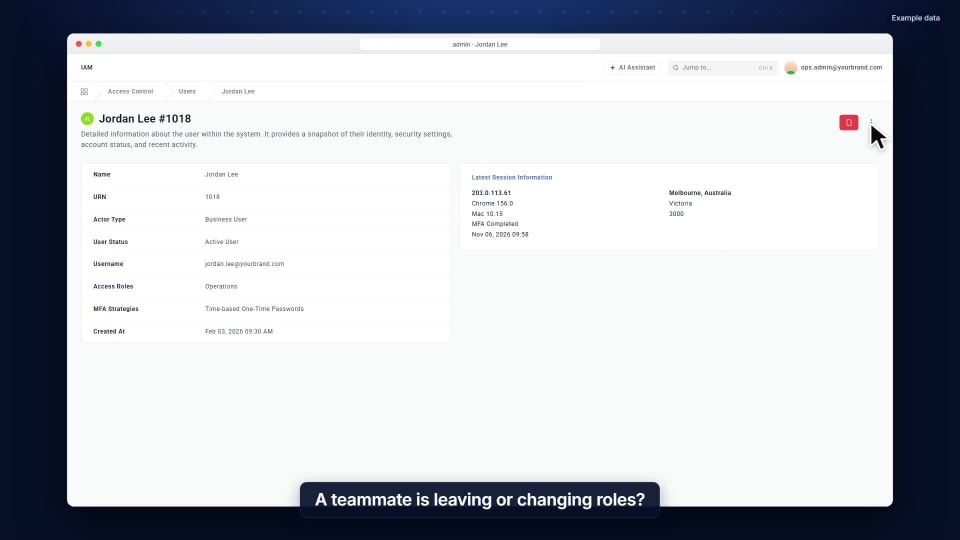
GUIDE 39
Suspend a staff account
Someone leaving or changing roles? Lock them out of the console at once, and reactivate them later if needed.
Watch the guide → -
 Compliance
0:14
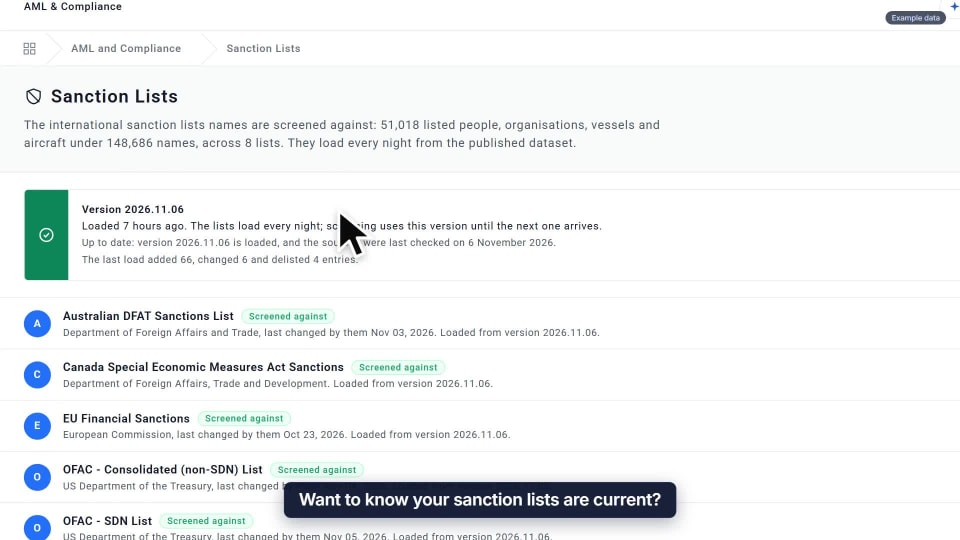
GUIDE 40
Check your sanction lists
See which version of each list is loaded, and when. They are kept up to date, and you can load the latest now.
Watch the guide → -
 Transfers
0:14
GUIDE 41
Print a payout receipt
For cash collections: the first copy is marked Original, and every reprint is marked Duplicate.
Watch the guide → -
 Transfers
0:13
GUIDE 42
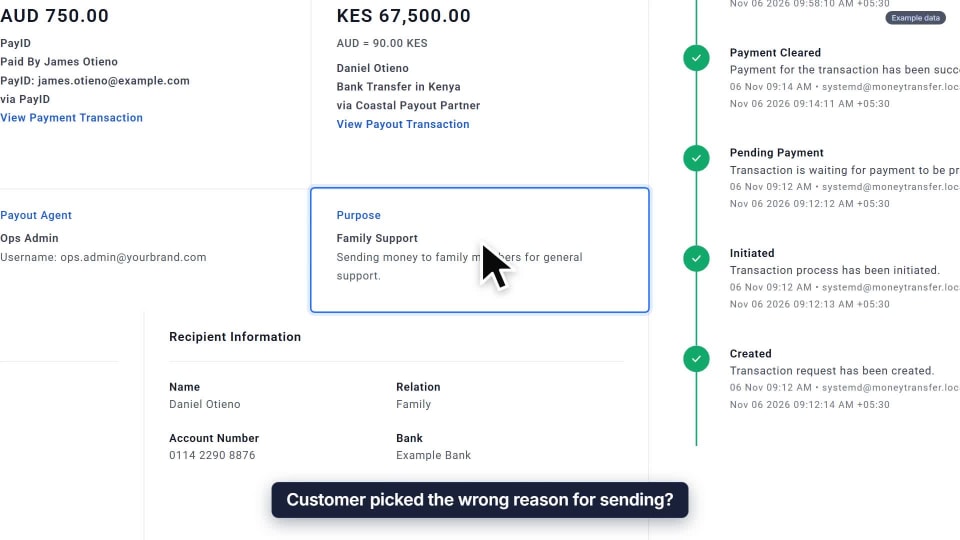
Change a transfer’s purpose
Customer picked the wrong reason? Choose the right purpose on the transfer, confirm, and the change is logged.
Watch the guide → -
 Customers
0:14
GUIDE 43
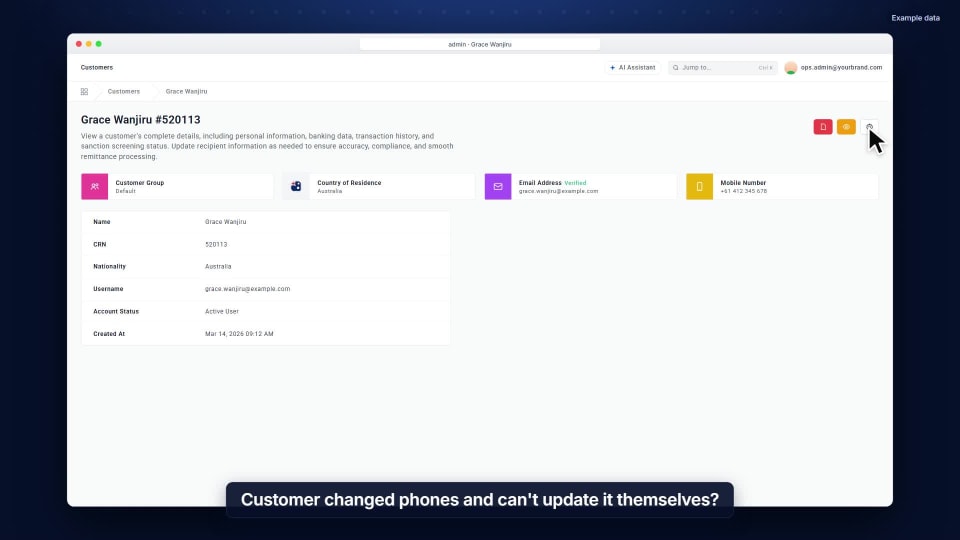
Update a mobile number
Changed phones? Pick the country code, type the new number, and their profile updates straight away.
Watch the guide → -
 Customers
0:14
GUIDE 44
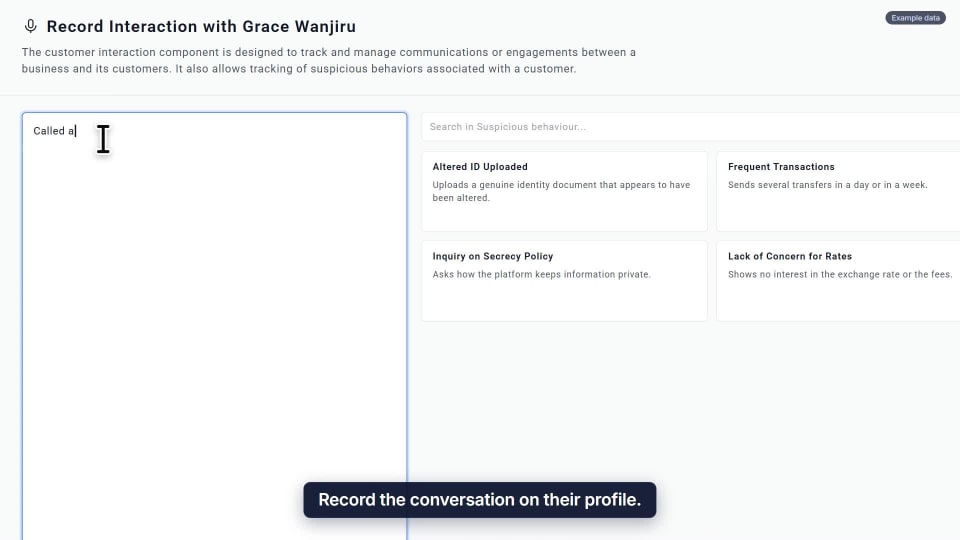
Record a customer conversation
Note what was said on their profile and flag anything suspicious, so the next person sees it all.
Watch the guide → -
 Compliance
0:13
GUIDE 45
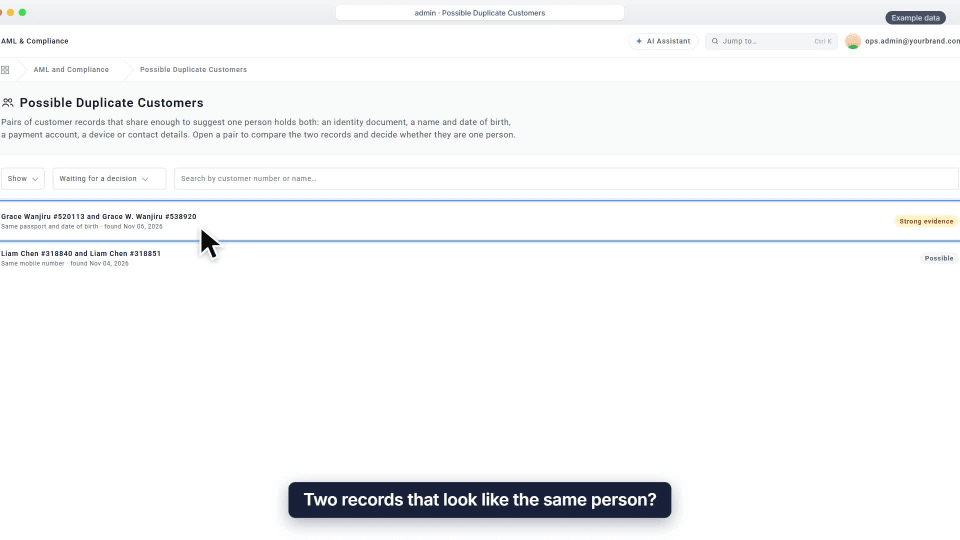
Link duplicate records
Compare two records side by side and link them as one, so limits and screening count both together.
Watch the guide → -
 Compliance
Australia
0:15
GUIDE 46
Build an AUSTRAC report
Pick the period and the platform builds the AUSTRAC IFTI report file from your transfers, checked before your officer lodges it.
Watch the guide → -
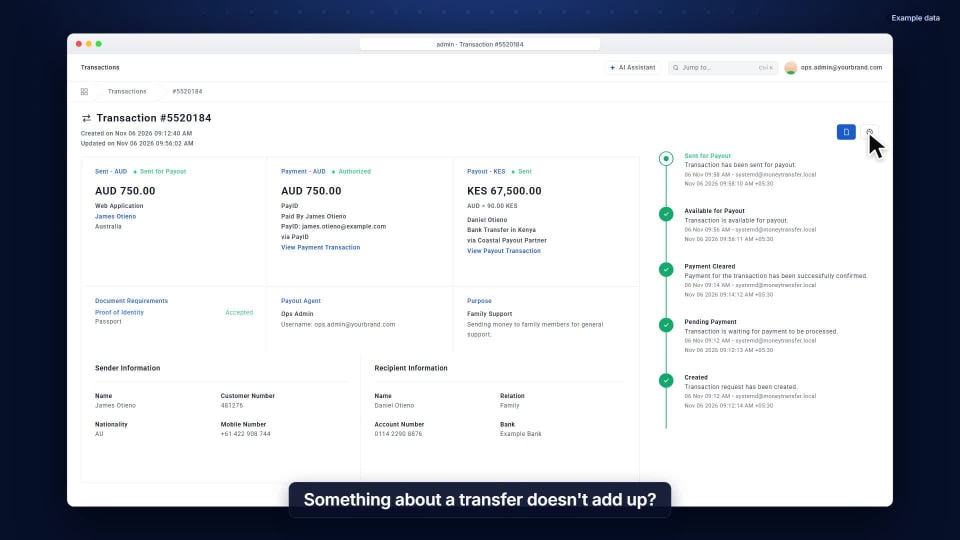 Compliance
0:15
GUIDE 47
Record a suspicious activity report
Start an internal report straight from the transfer, with the people involved filled in. Your officer decides on reporting.
Watch the guide → -
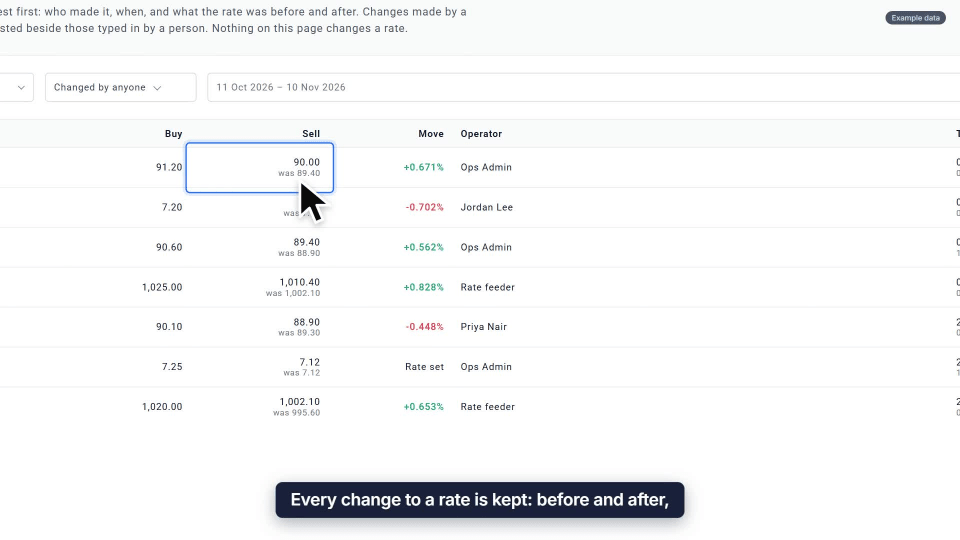 Rates & fees
0:12
GUIDE 48
See how a rate changed
Every rate change is kept: before and after, who made it and when. Pick a pair to see its history.
Watch the guide → -
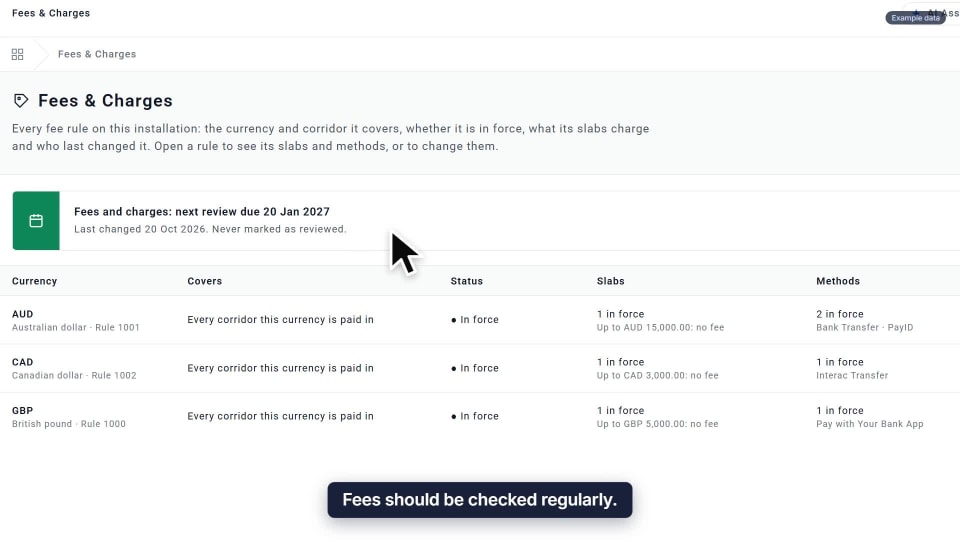 Rates & fees
0:13
GUIDE 49
Mark your fees as reviewed
A banner shows when the next fee review is due. Mark them reviewed once checked, and the reminder resets.
Watch the guide → -
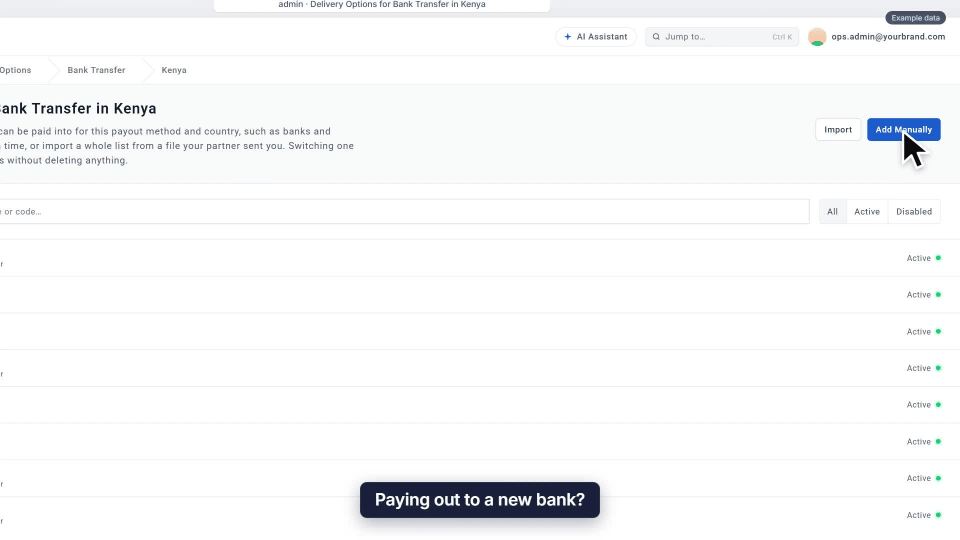 Setup
0:14
GUIDE 50
Add a bank to a payout country
Add a new bank to a country’s list in seconds. Recipients can choose it as soon as you save.
Watch the guide → -
 Transfers
0:14
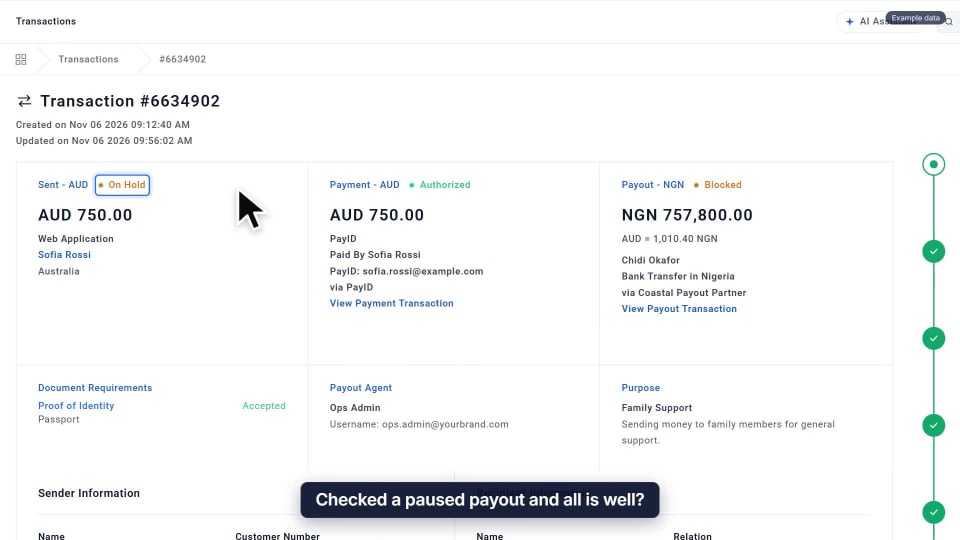
GUIDE 51
Release a held payout
Checked a paused payout? Give a reason, confirm, and it carries on with nothing to re-enter.
Watch the guide → -
 Transfers
0:14
GUIDE 52
Undo a cancellation
Cancelled by mistake? Explain why, confirm, and the transfer picks up where it left off, fully recorded.
Watch the guide → -
 Compliance
0:14
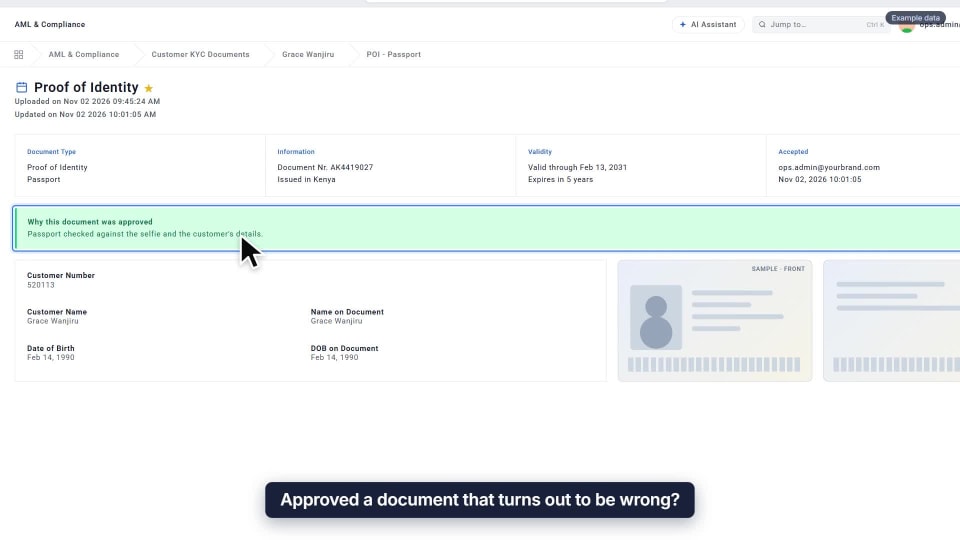
GUIDE 53
Withdraw a KYC approval
Approved the wrong document? Withdraw it with a reason. It stays on record, and the customer is asked for a new one.
Watch the guide → -
 Setup
0:14
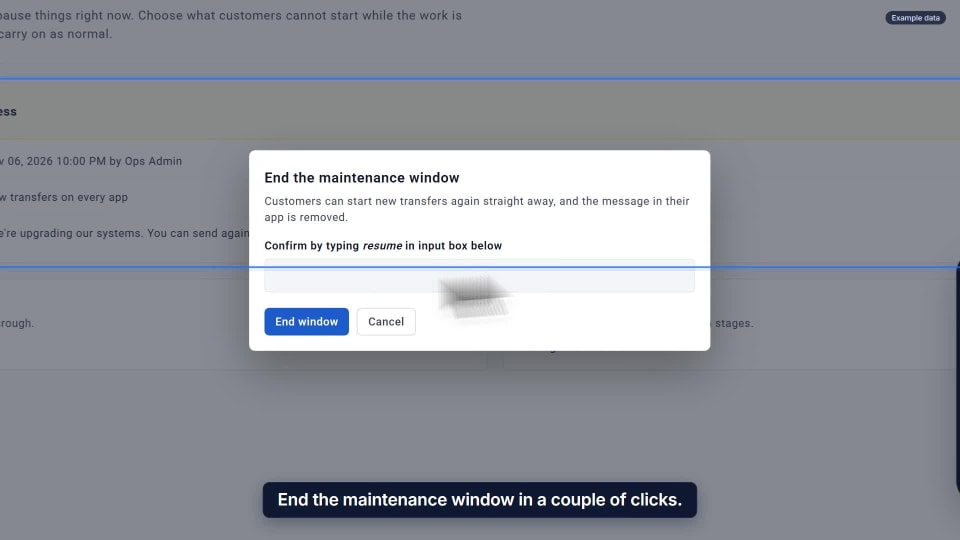
GUIDE 54
End a maintenance window
Upgrade done? End the window, customers can send again straight away, and the banner leaves their app.
Watch the guide → -
 Team & access
0:13
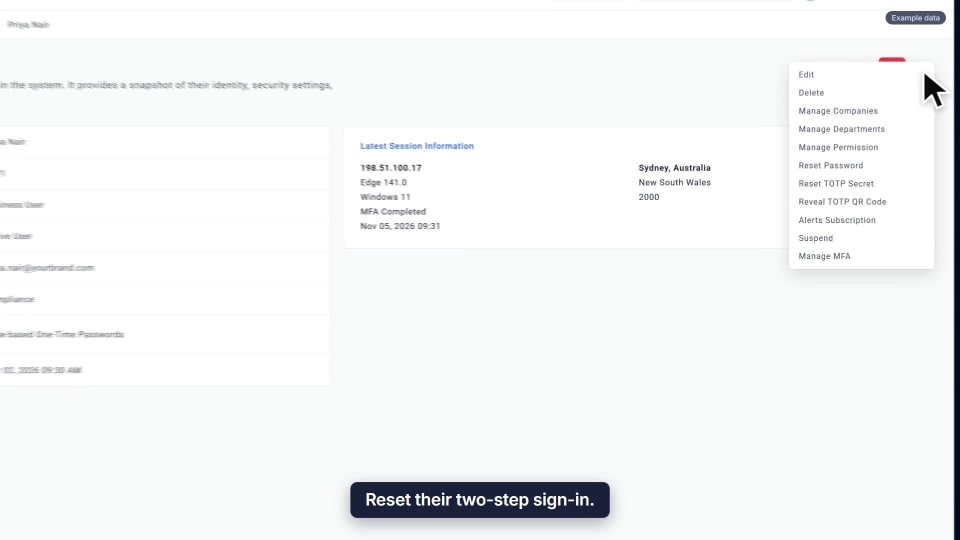
GUIDE 55
Reset two-step sign-in
Teammate lost their phone? Reset it, the old authenticator stops working, and they set up a new one.
Watch the guide → -
 Setup
0:16
GUIDE 56
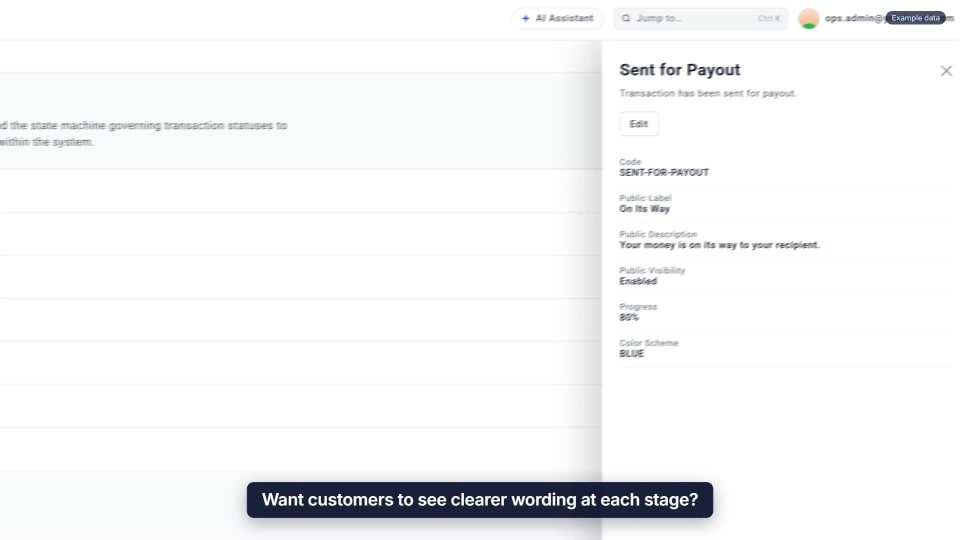
Change what customers see
Reword each stage of a transfer for customers, even per delivery method, so cash pickup reads Ready for Pickup.
Watch the guide → -
 Setup
0:13
GUIDE 57
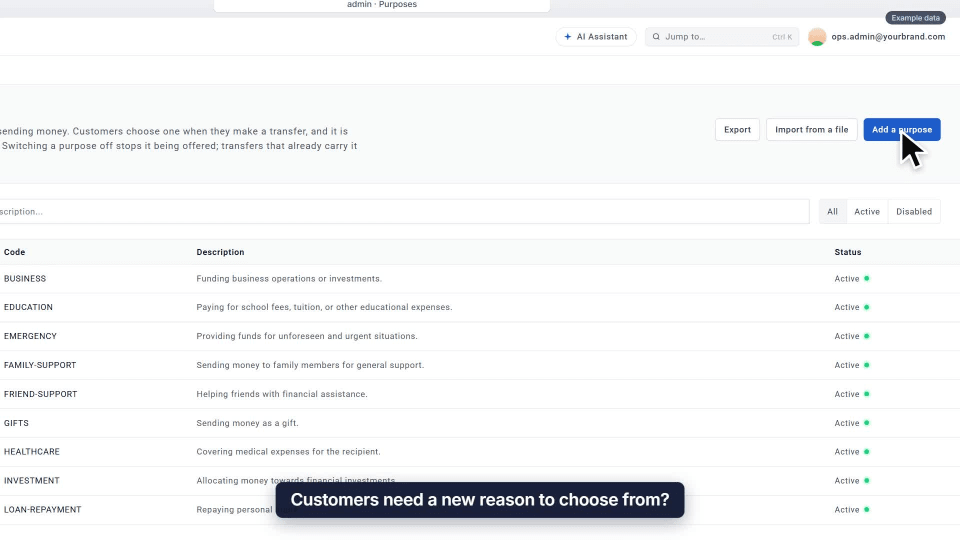
Add a new option to a list
Add a new choice, like a reason for sending. It starts switched off, so it appears only when you are ready.
Watch the guide → -
 Team & access
0:16
GUIDE 58
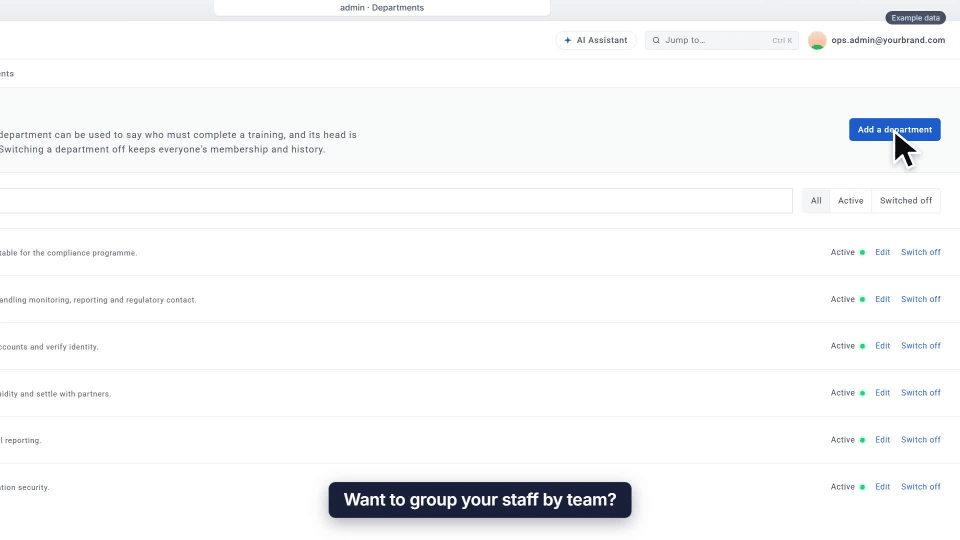
Set up departments
Group staff by team and name a head. Departments are used to assign training, and heads hear when someone falls behind.
Watch the guide → -
 Finance & reports
0:14
GUIDE 59
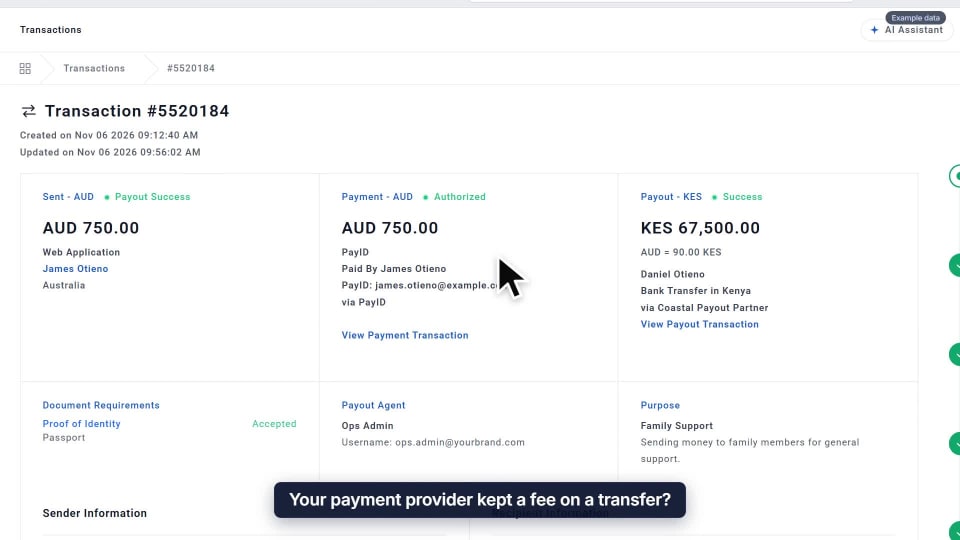
Record a gateway fee
Record what the payment provider kept on a transfer. It is booked as a cost, so your books show the true cost.
Watch the guide → -
 Setup
0:15
GUIDE 60
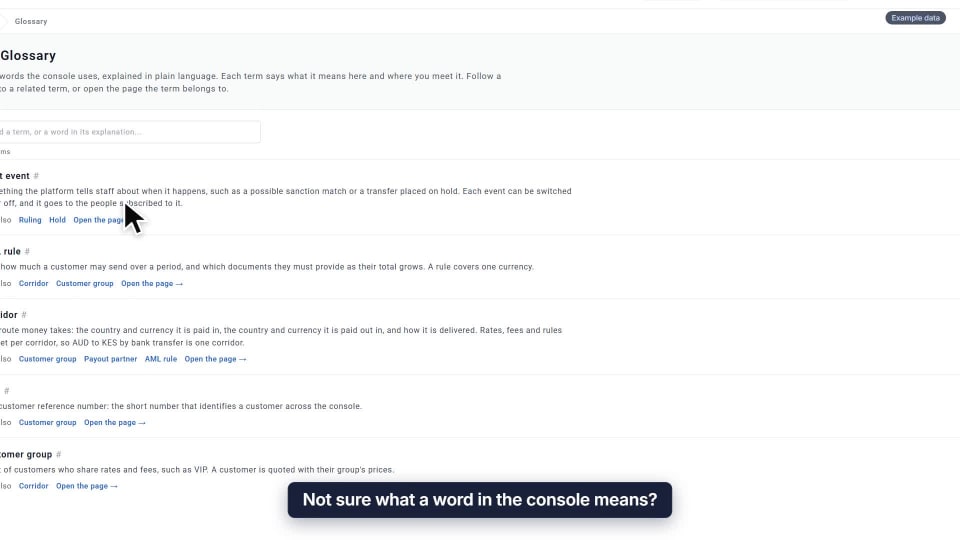
Look up a term
The Glossary explains console words in plain language, with links to related terms and the page each belongs to.
Watch the guide → -
 Finance & reports
0:19
GUIDE 61
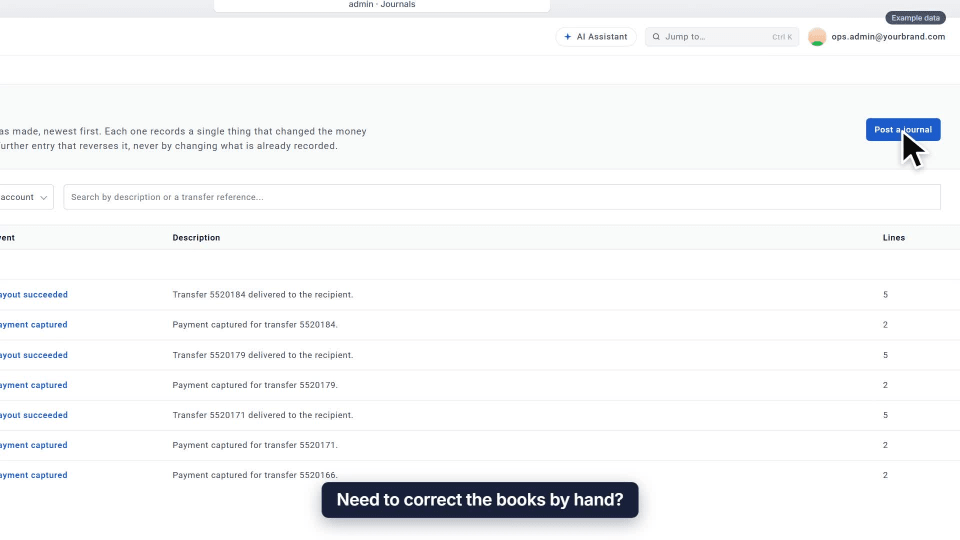
Post a manual journal
Correct the books with both sides of the entry. Debits and credits must balance, and a posted journal is only ever reversed.
Watch the guide → -
 Team & access
Add-on
0:19
GUIDE 62
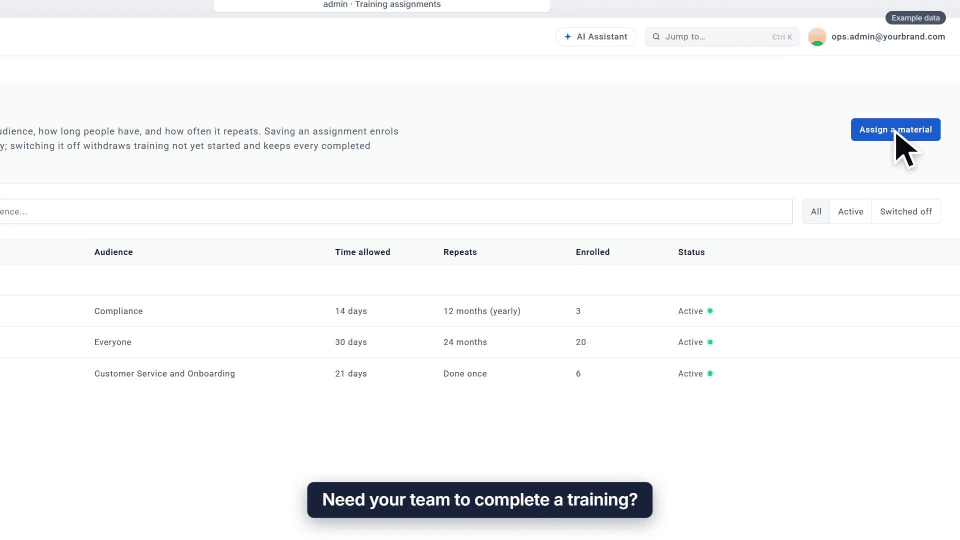
Assign training
Assign a training to an audience and everyone is enrolled. Set the deadline and repeat, and stragglers are reminded.
Watch the guide → -
 Dashboards & AI
Add-on
0:17
GUIDE 63
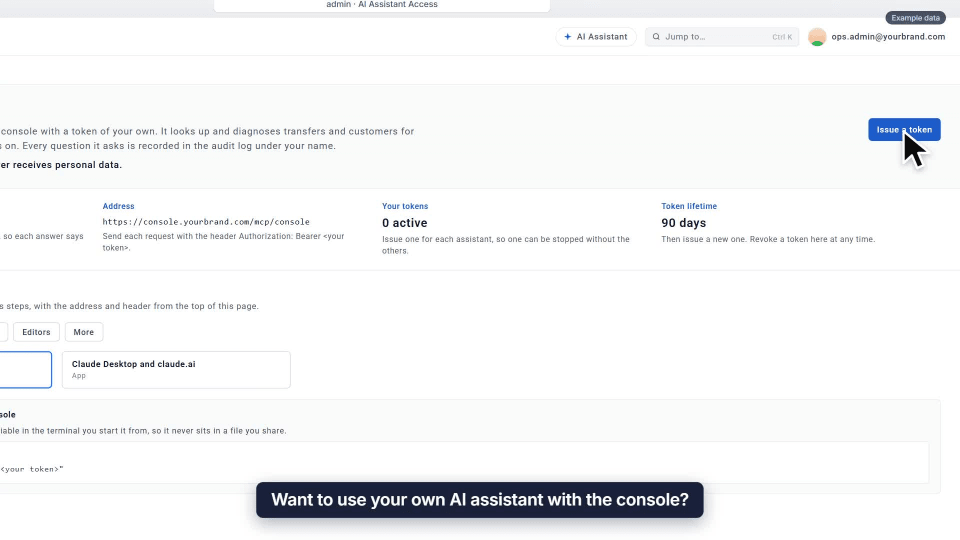
Connect your own AI assistant
Issue a personal token and follow the guide for your assistant. It sees only what you can see, never personal data.
Watch the guide → -
 Dashboards & AI
Add-on
0:15
GUIDE 64
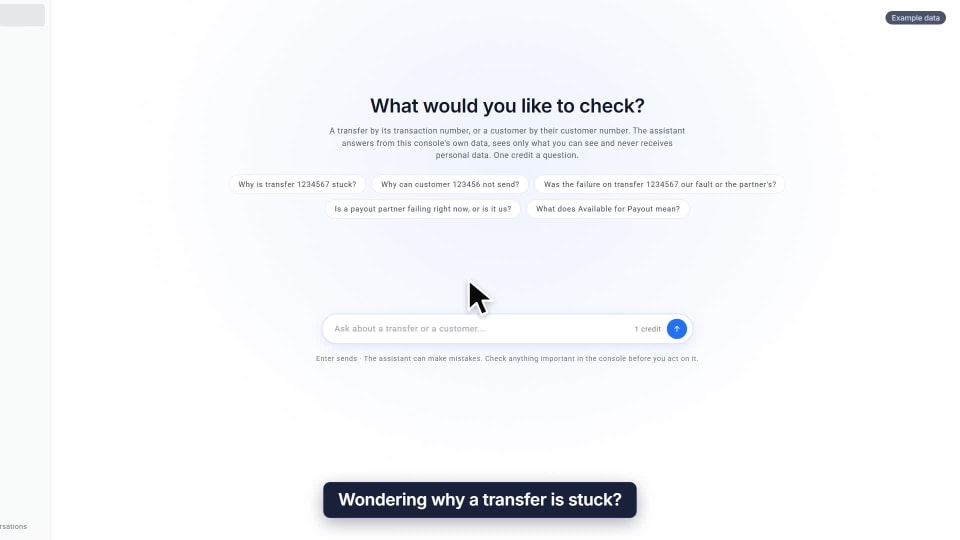
Ask the AI Assistant
Ask in plain words why a transfer is stuck. It tells you where the transfer is, and what to do next.
Watch the guide → -
 Customers
0:15
GUIDE 65
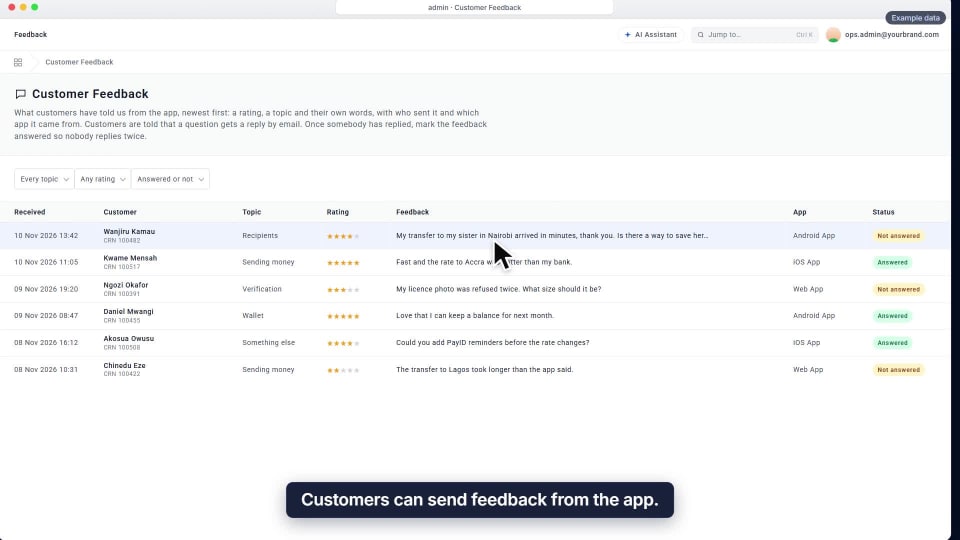
Answer customer feedback
Read the rating and their own words, reply by email, then mark it answered so nobody replies twice.
Watch the guide → -
 Rates & fees
Add-on
0:15
GUIDE 66
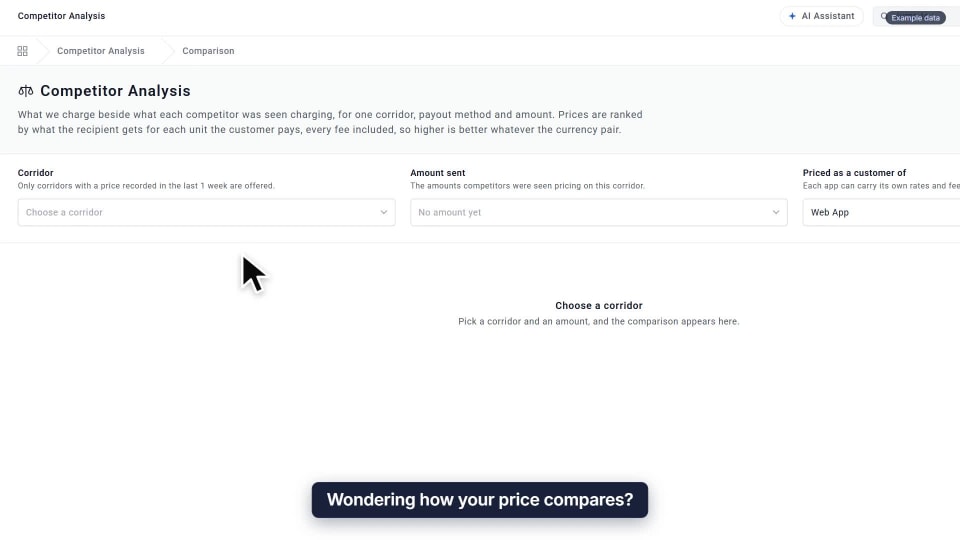
Compare your prices
Pick a corridor and see what each competitor was seen charging, ranked by what the recipient gets, fees included.
Watch the guide → -
 Dashboards & AI
Add-on
0:16
GUIDE 67
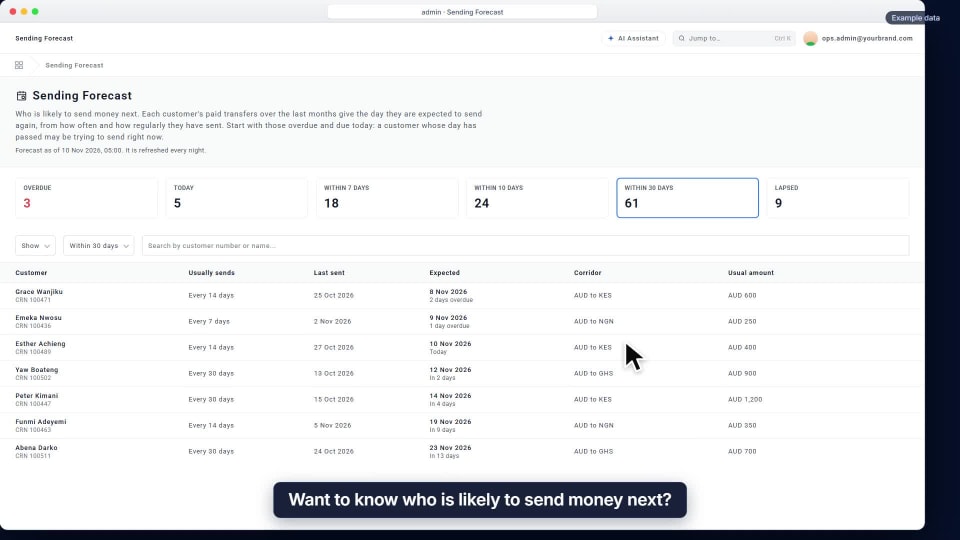
Read the Sending Forecast
Who is likely to send next, from each customer’s past transfers. Start with those overdue.
Watch the guide →
No guide matches. Try a shorter word, or .
Prefer to read?
Videos show example data only. Guides marked Add-on cover paid extras.
Built by people who have helped MSBs for years.
47 ready-made risk indicators, drawn from what they see every day, combined into your own rules.
- 47 ready-made risk indicators
- Your own rules
- 8 sanctions lists
- A person decides